
HORIZON APP & MERCHANT PLATFORM
Horizon App & Merchant Platform
View business reports on your phone and prepare transaction and reconciliation files on the web, within your account permissions.
Talk to our team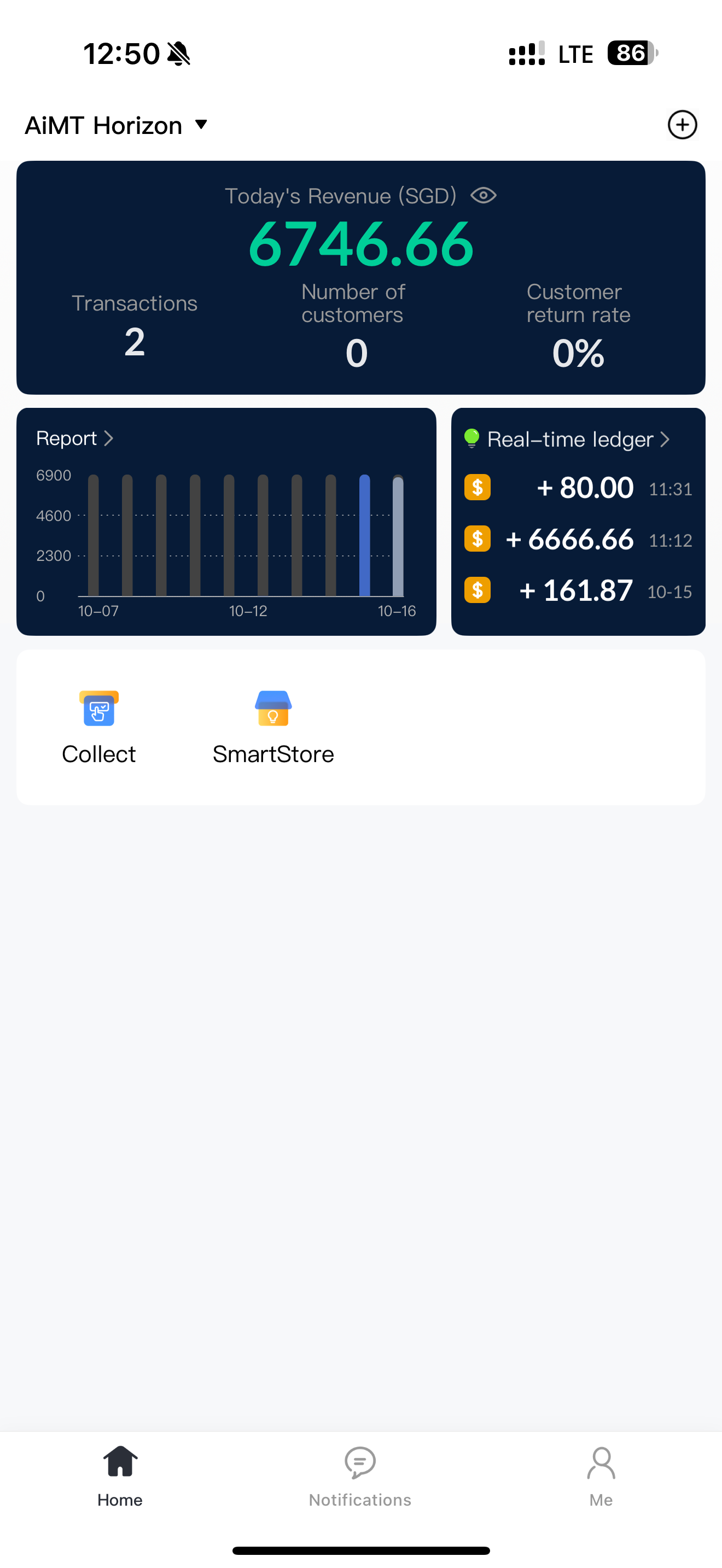
Horizon App
A clearer view of your daily business, wherever you are.
Original English product interfaces · Figures are illustrative. Available access depends on your account and role.


Merchant Platform
Review transactions, prepare statements and manage your stores from the web.
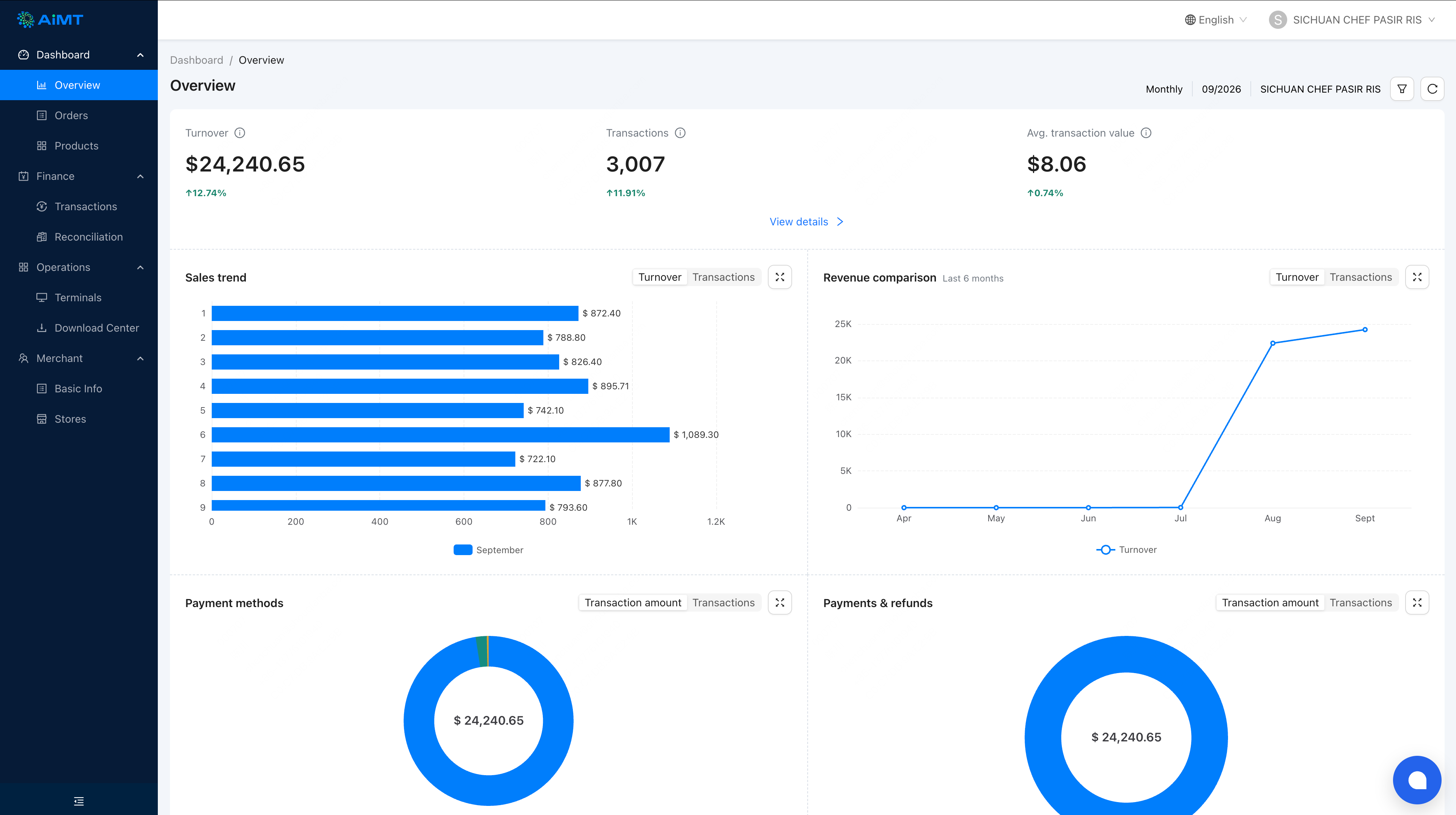
Original English product interfaces · Figures are illustrative. Available access depends on your account and role.
Business information on mobile and web
The Horizon App and Merchant Platform help you view transactions, reports and store information. They are merchant management tools, not a separate payment acceptance device.
Review payments already enabled for your business
Use the tools to view transaction and payment information within your account scope. Installing the app does not by itself activate a payment method. Payment availability depends on the services and devices approved for your business.
Choose tools around your account access
Discuss the identities, stores and permissions your team needs.
- Horizon App: daily revenue, transaction history and business reports
- Store comparison and payment method breakdowns within your access
- Merchant Platform: filtered transaction exports and reconciliation files
- Store and terminal information according to account permissions
Keep daily review and reconciliation connected
Check revenue and payment breakdowns in the app. On the Merchant Platform, filter transactions, request an export or generate a statement, then download the completed file from the Download Center. Access to multiple stores depends on your role and authorisation.

Set up your team's access
Download the Horizon App from the official App Store or Google Play listing. Ask our team about your merchant account and web platform access.
- Confirm your merchant identity and authorised stores
- Assign staff roles to match their responsibilities
- Review the reports and export workflow
- Keep account access and downloaded files secure
Confirm software and service items
Ask which software features and services are included in your quotation, which need activation, and whether any additional charges apply. Your quotation and agreement define the applicable scope.
Your questions, answered
Does cash recording in the app take a payment?
Cash Record records a cash sale you have already received. It adds that record to the business data; it does not collect money from a customer.
How do I download transactions or statements?
Filter transactions and create an export task, or select the statement type, scope and date in Reconciliation. Open the Download Center and download the file after generation succeeds.
Can every employee view all stores?
No. Store and transaction access depends on the account role and authorisation. Review each employee's responsibilities and the stores they are permitted to access.
Plan your reporting workflow
Tell us how many stores and staff need access, and what you need to review or export. We will help you discuss the appropriate account setup.